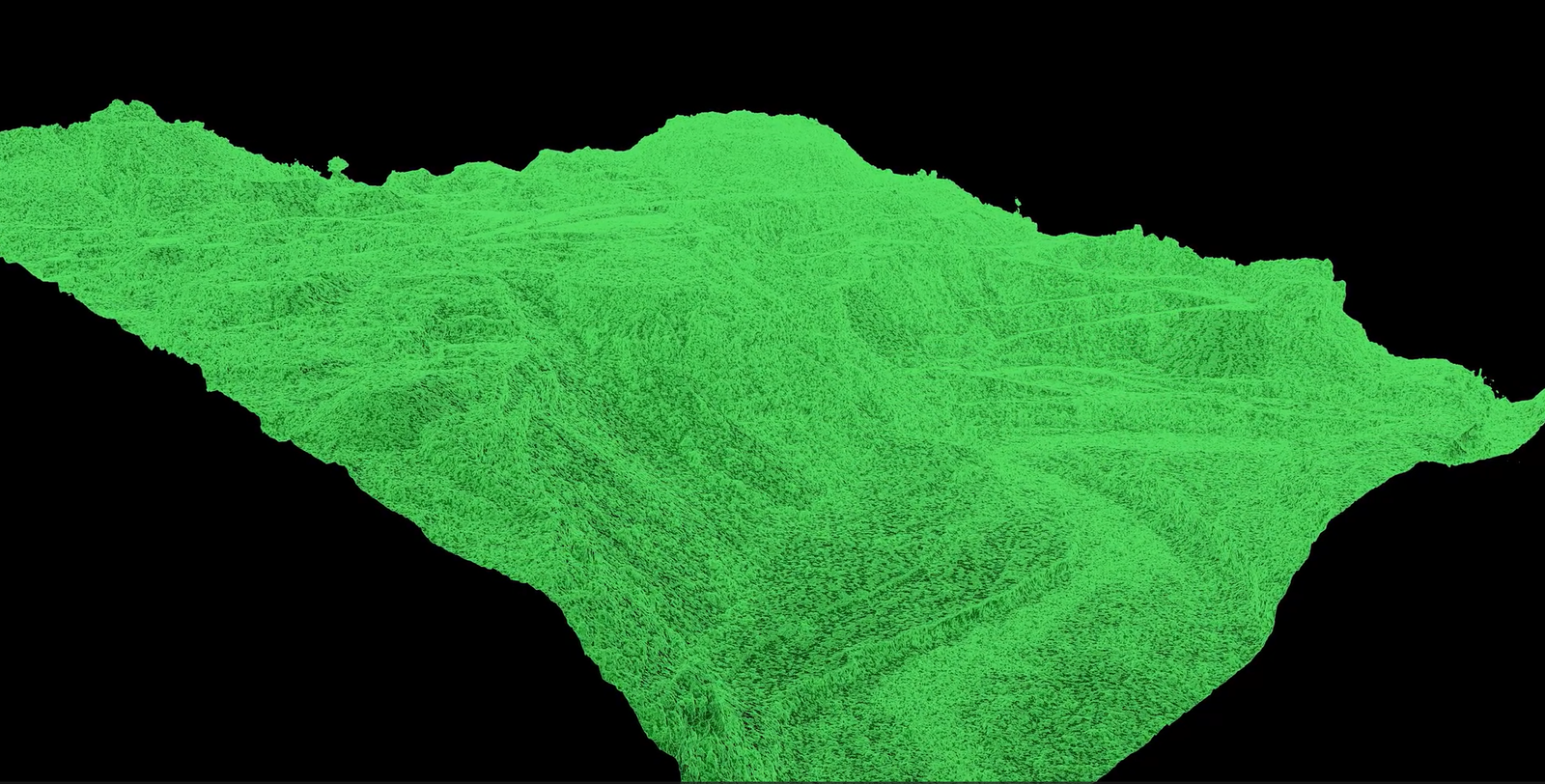
A large-scale photogrammetry workflow is not about “processing more photos.” It’s about delivering site-ready, audit-ready outputs that teams can use to make decisions—without rework, delays, or uncertainty.
If you manage a large construction or infrastructure site, you already know the problem: field conditions change faster than your reports. As a result, progress updates can be inconsistent, quantities get debated, and decisions rely on partial information. Drone photogrammetry helps—but only when the workflow is designed to handle terabytes of data with repeatability and QA/QC.
This guide explains how to run large-scale photogrammetry projects in a way that supports real project workflows: progress tracking, earthworks/stockpiles, and defensible documentation.
The Real Bottleneck: Turning Imagery into Decisions
Large sites create large datasets. A single mission can produce tens of thousands of images and hundreds of gigabytes (or more). The risk isn’t capture—it’s what happens after:
- Data is transferred late or incomplete
- Photos are poorly organized across days/blocks
- Processing becomes a “single massive job” that fails or takes too long
- QA/QC is unclear, so stakeholders don’t trust the outputs
In practice, this leads to reprocessing, schedule pressure, and avoidable cost.
A Scalable Large-Scale Photogrammetry Workflow: A Practical BlueprintWorkflow for Drone Data Processing
A strong large-scale photogrammetry workflow is built around control, segmentation, and validation. Here’s the structure that scales reliably.
1) Start With the Deliverable Package (Not the Flight)
Instead of attempting to process terabytes of data in a single batch, a far more effective method is to divide the project into smaller, tiled subparts. AdBefore you fly, define what the project team will actually use:
- Progress orthomosaic (date-stamped, repeatable)
- Point cloud (LAS/LAZ) for measurements and coordination
- Surface models (DSM/DTM) for earthworks and quantities
- Volume reports (stockpiles, cut/fill) when required
- A short QA/QC summary (accuracy method + checkpoints)
This prevents a common failure mode: finishing processing and realizing the output format—or the proof of accuracy—is missing.
2) Standardize Capture for Repeatability
Construction teams care about comparability over time. Therefore, standardize:
- Flight geometry (altitude bands, speed, camera angle)
- Overlap targets across blocks and days
- Defined site blocks (so deliverables align with phases/areas)
- A simple handover checklist (logs, imagery, naming rules)
Repeatable capture makes repeatable reporting possible.
3) Manage Data Like It Will Be Audited
Large projects fail quietly when file structure drifts. Use a consistent structure so every dataset is traceable:
- Admin (scope, coordinate system, deliverables, revision log)
- Imagery by date and block
- Control/checkpoint documentation (if used)
- Processing versions (v01, v02…)
- Deliverables packaged by stakeholder need
This reduces confusion and protects the project when questions come up later.
4) Scale Processing With Tiled Workflows
Processing an entire site as one job increases failure risk. Instead, split the project into geographic tiles that match the capture plan.
Why tiling works:
- Faster iteration and fewer “all-or-nothing” failures
- Easier QA/QC (validate by tile, not by hope)
- Lower rework cost (fix a tile, not the entire site)
This is one of the highest-impact changes you can make to improve throughput and reliability.
5) Use Distributed Processing When Turnaround Matters
When deadlines are tight, distributed processing can reduce turnaround by spreading work across multiple machines. It’s especially effective when paired with tiling, because tiles can be processed in parallel.
The goal is not speed for its own sake. The goal is predictable delivery during peak project periods.
6) Build QA/QC Gates Into the Workflow
A workflow is only scalable if it produces defensible outputs consistently.
Practical QA/QC gates:
- Alignment health checks before dense reconstruction
- Separation of control points vs check points (when applicable)
- Quick visual QC for seamlines, blur, reflective surfaces, low texture
- A short QA/QC summary included with deliverables
This is what turns “cool visuals” into trusted project documentation.
What Construction Teams Actually Use These Outputs For
A large-scale photogrammetry program is most valuable when it supports decisions like:
- Progress tracking: consistent baselines for reporting and stakeholder updates
- Earthworks & stockpiles: volume tracking and production validation
- Site coordination: measurements, clearances, and context for RFIs
- Documentation: defensible records when scope, schedule, or conditions are disputed
In other words, the value is not the imagery—it’s the decision support.
Example: Large Civil Site Progress + Quantities (A Repeatable Program)
onsider a multi-phase civil site where stakeholders need weekly progress visibility and quantity confidence. With a scalable workflow:
- The site is divided into repeatable blocks
- Flights follow consistent geometry each cycle
- Processing runs by tiles (fewer failures, faster turnaround)
- Deliverables are packaged for reporting and measurement
- QA/QC is documented the same way every time
As a result, the program becomes predictable: a repeatable cadence of outputs that teams can rely on.
Key Takeaways
Large projects fail in processing and QA/QC, not capture
A large-scale photogrammetry workflow must be repeatable and auditable
Tiling reduces risk and rework dramatically
Distributed processing helps when turnaround is critical
QA/QC gates are what make outputs trusted and defensible
Next Step: Scope a Pilot (Not a “Demo”)
If you want to reduce rework and improve decision certainty, start with a pilot that defines:
- a repeatable QA/QC summary format
- site blocks, frequency, outputs, and accuracy expectations
- a consistent handover and processing approach
Take the Next Step
Contact Nexus Analytics to scope a pilot for your site and receive a recommended workflow + deliverable package aligned to your reporting needs.